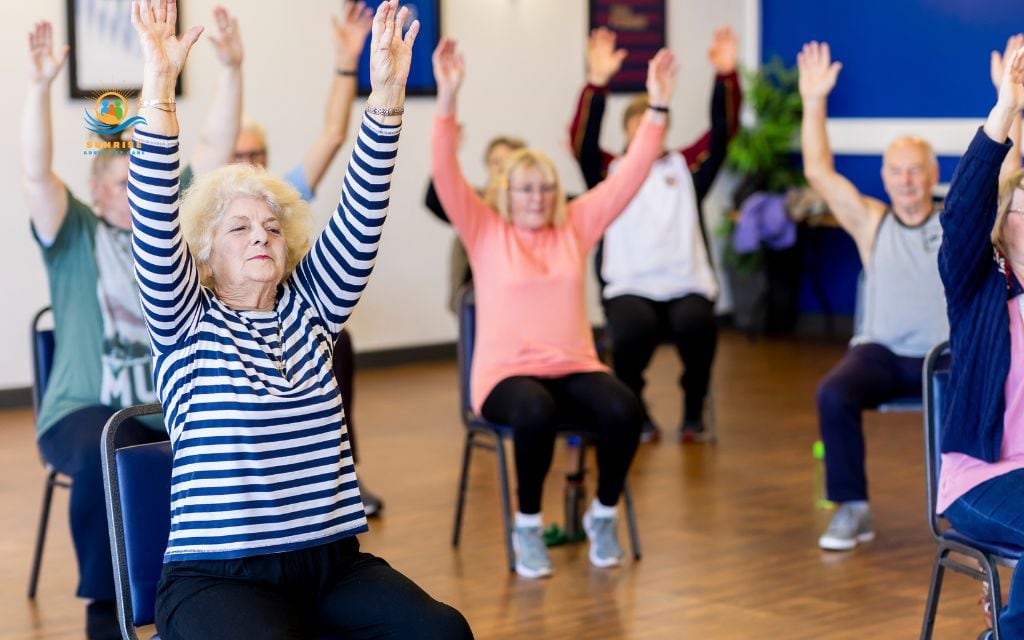
Assistive technology for older people includes any low-tech or high-tech tool that helps with daily tasks, safety, communication, and independence. It ranges from simple grab bars and magnifying glasses to sophisticated fall-alert pendants and smart home sensors. The goal isn’t surveillance, it’s support that preserves dignity while reducing risk.
This article will help you identify 10 must-consider assistive tech devices for safer days and better care and discover how these technology fits into adult day programs and home-based care plans
Whether your loved one is still independent or needs more structured support, the right combination of assistive technology devices can mean fewer worries, better medication adherence, and more confidence for everyone involved.
What is assistive technology for older people?
Assistive technology (AT) is anything that makes daily life safer or easier for older adults. It’s that simple. A jar opener counts. So does a GPS-enabled smartwatch.
If it helps someone maintain independence, manage a health condition, stay safe, or connect with loved ones, it’s assistive technology.
Types of assistive technology for elderly people
Assistive technology for seniors falls into two broad categories:
Low-tech solutions:
- Canes, walkers, and rollators
- Raised toilet seats and shower chairs
- Grab bars and non-slip mats
- Magnifying glasses and large-print materials
- Bed rails and transfer poles
- Jar openers and adaptive utensils
High-tech solutions:
- Fall-alert pendants and wearables
- Smart speakers and voice assistants
- Automated medication dispensers
- Health monitoring wearables (smartwatches, fitness trackers)
- GPS trackers for wandering prevention
- Smart home sensors (motion detectors, stove shut-offs, door alerts)
- Telehealth equipment (blood pressure monitors, pulse oximeters)
The connection to age in place products
Many of these tools are specifically designed as age in place products – technology and equipment that help older adults stay safely in their own homes longer.
Age in place technology emphasizes safety modifications, health monitoring, and environmental controls that reduce the need for residential care facilities while maintaining quality of life.
The beauty of today’s assistive technology landscape is choice. You can start with a $15 pill organizer and a $40 grab bar, or invest in a comprehensive smart-home system. Most families find that a thoughtful combination of low- and high-tech solutions works best.
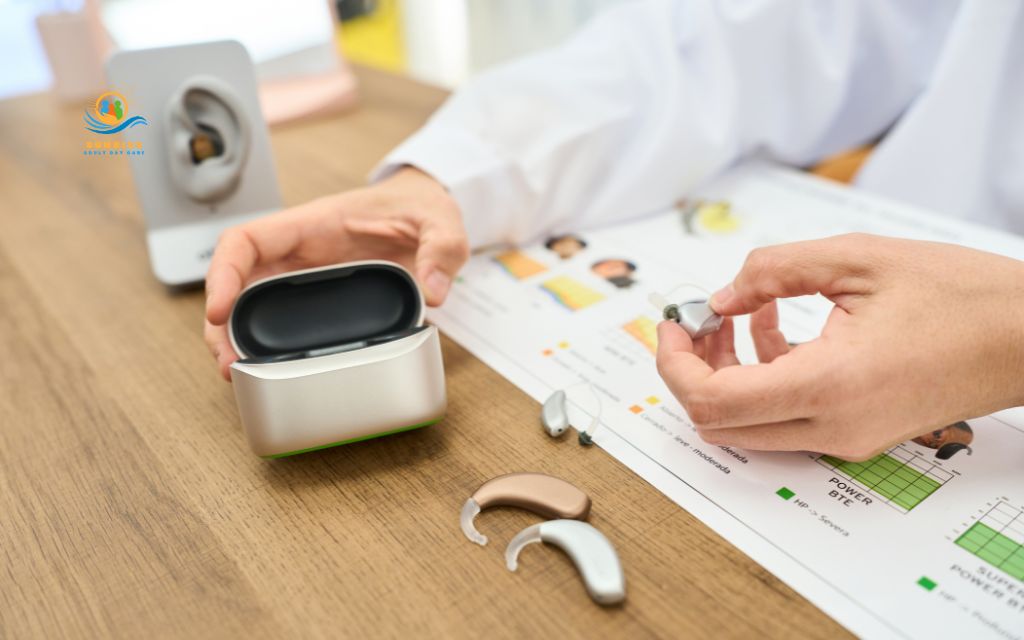
How assistive tech supports safer days & better care
The right assistive technology for elderly people addresses specific risks and needs. Understanding these core goals helps you choose devices that actually solve problems rather than adding clutter and complexity.
Key goals for assistive technology for seniors
Safety & fall prevention
Falls are the leading cause of injury-related deaths among adults 65 and older. Mobility aids (walkers, canes), environmental modifications (grab bars, improved lighting), and fall-alert systems work together to reduce fall risk and ensure rapid response when falls do occur.
Medication adherence
Pill organizers, automated dispensers, and smartphone reminder apps help older adults stick to complex medication schedules, especially critical for heart medications, insulin, anticoagulants, and other time-sensitive prescriptions.
Health monitoring
Home blood pressure cuffs, glucose meters, weight scales, and pulse oximeters allow early detection of concerning trends: rising blood pressure, weight gain from fluid retention, erratic blood sugar, or declining oxygen saturation. Many devices now sync data directly to healthcare providers, supporting telehealth visits and reducing unnecessary emergency room trips.
Cognitive support
Memory aids, reminder clocks, simplified phones, and picture-based communication tools help older adults with early dementia, mild cognitive impairment, or simply “what day is it?” confusion maintains orientation and independence longer.
Social connection
Video-call tablets, amplified phones, and smart speakers with drop-in calling features keep older adults connected to family, friends, and care teams – critical for mental health and overall well-being.
The human element remains essential
Here’s what’s crucial to understand: assistive technology supports caregivers and adult day programs; it doesn’t replace human care.
A fall-alert pendant notifies someone when help is needed, but it doesn’t prevent the fall. A medication dispenser reminds someone to take pills, but it doesn’t address why they’re forgetting or whether side effects are causing non-adherence. Smart home sensors can detect unusual patterns, but they can’t provide the conversation, activities, and social engagement that adult day programs offer.
At Sunrise Adult Daycare in Denver, we see assistive technology as a care partner – tools that extend our ability to keep participants safe, monitor health trends, and coordinate with families, while our team provides the structured activities, supervision, and social interaction that technology simply cannot replicate.
The top 10 assistive tech categories for older adults
Let’s walk through the essential categories of assistive technology devices for elderly adults.
Fall-alert & emergency response systems
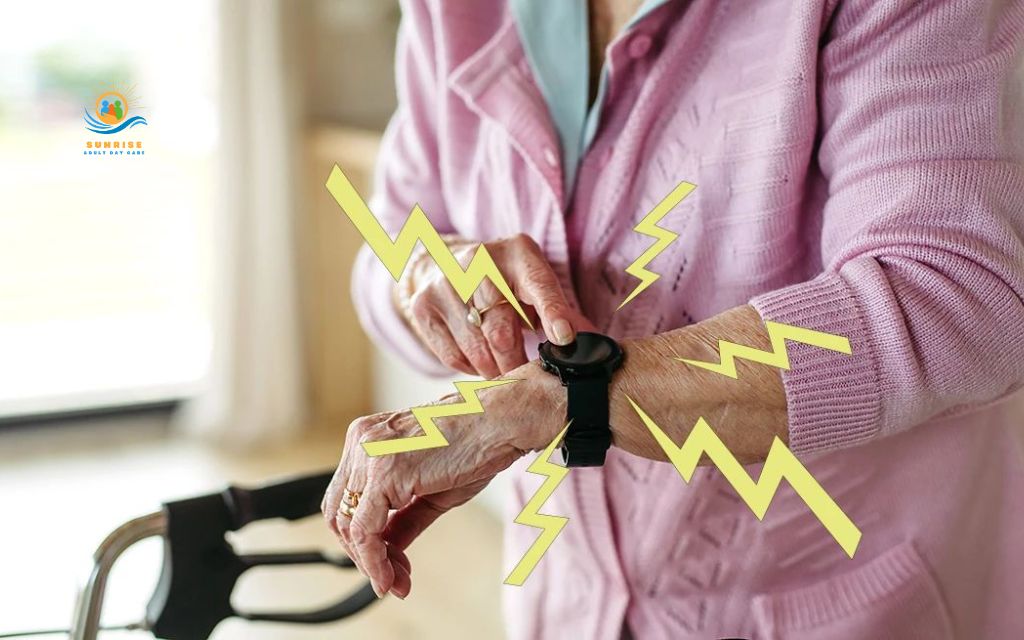
Wearable pendants, wristbands, or smartwatches that connect to a 24/7 monitoring center or designated emergency contacts. When the wearer presses a button – or when the device detects a fall – help is automatically summoned.
Example devices:
- Medical Guardian, Life Alert, Philips Lifeline (traditional monitoring services)
- Apple Watch Fall Detection (cellular models)
- Lively Mobile Plus (GPS-enabled pendant)
- Bay Alarm Medical (popular in Colorado with local monitoring)
Key features to compare:
- Automatic fall detection vs. manual button press only
- GPS capability for location tracking outside the home
- Cellular connection vs. landline-dependent systems (critical as more families disconnect home phones)
- Water-resistant design for shower safety
- Battery life and ease of charging
- Monthly monitoring fees vs. one-time purchase options
Smart medication dispensers & reminders
Programmable pill organizers, locked automated dispensers, talking reminder clocks, and smartphone apps that help older adults take the right medications at the right times.
Example devices:
- Hero automatic pill dispenser (sorts and dispenses multiple medications)
- MedMinder smart pill dispenser with notifications
- Pivotell Advance talking pill reminder
- TabSafe medication management system
- Simple smartphone apps like Medisafe or CareZone
Safety benefits:
- Reduce double-dosing when someone forgets they already took morning pills
- Prevent missed doses that can trigger health crises (especially for heart medications, blood thinners, insulin, seizure medications)
- Alert caregivers or family members to missed doses
- Provide visual/audio reminders for people with mild cognitive impairment
Mobility & transfer aids
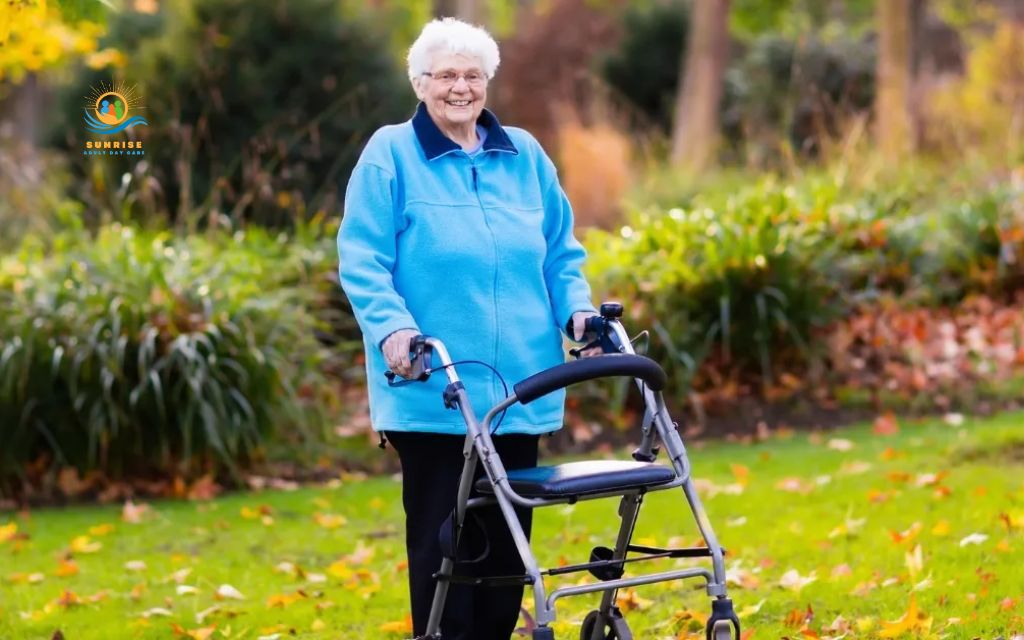
Canes, rollators (walkers with wheels), standard walkers, transfer poles and rails, and lift-assist devices that help with safe movement and reduce fall risk.
Traditional essentials:
- Single-point canes and quad canes
- Standard walkers (no wheels)
- Rollators with seats, baskets, and hand brakes
- Transfer poles for getting in/out of bed
- Grab bars for bathrooms and hallways
Emerging assistive technology:
- Lightweight carbon-fiber frames
- Ergonomic handles reducing wrist strain
- Built-in LED lights for nighttime visibility
- GPS trackers embedded in rollators for wandering risk
- Upwalker Lite (upright walker reducing back strain)
Home safety sensors & smart home tech
Age in place technology including motion-activated lights, stove shut-off devices, door and window sensors, bed and chair occupancy monitors, smart locks, and automated night lights that create a safer home environment with less hands-on supervision.
Popular smart home solutions:
- Motion-sensor lights (hallways, bathrooms, stairs)
- Smart stove monitors (iGuardStove, FireAvert) that shut off burners after inactivity
- Door/window sensors alerting caregivers to exits (Ring, SimpliSafe)
- Bed/chair sensors detecting when someone gets up (preventing nighttime falls)
- Smart locks allowing remote access for caregivers
- Video doorbells reducing scam vulnerability
These technologies provide discreet supervision and environmental safety without requiring constant in-person checking.
Cognitive & memory aids
Large-display day/date clocks, reminder boards, talking alarms, picture-based phones, and simplified remote controls that help older adults with memory concerns maintain orientation and independence.
These assistive technology devices for elderly adults with cognitive concerns reduce frustration, support independence with familiar tasks, and provide environmental cues that compensate for memory gaps. A person who can’t remember what day it is can still live independently if the information is displayed clearly.
Communication & social connection devices
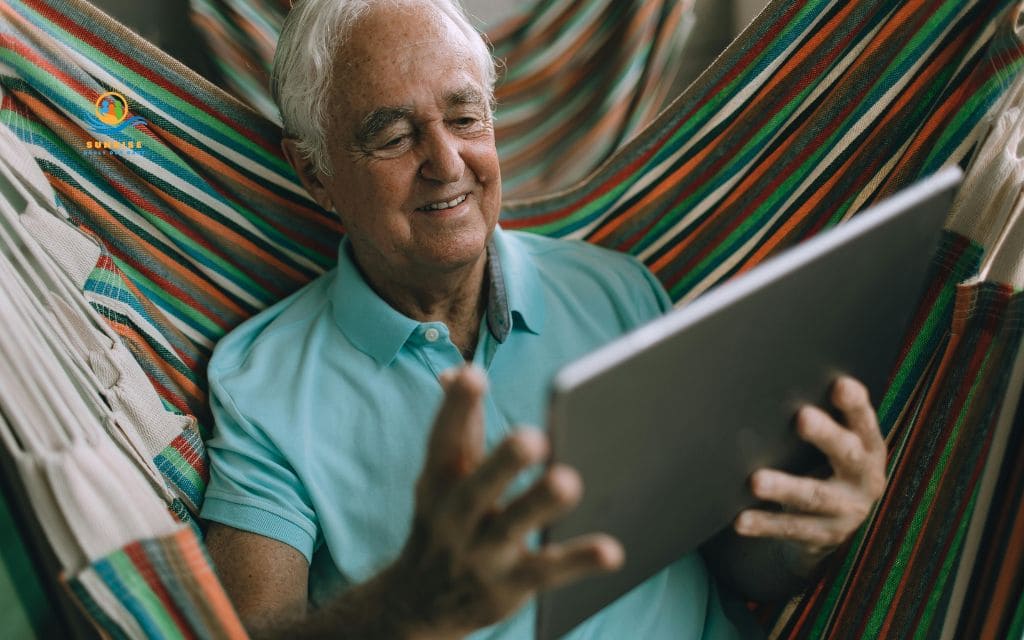
Amplified and captioned phones, simplified video-call tablets, smart speakers with drop-in calling features, and other technology reducing communication barriers and social isolation.
Phone solutions for hearing loss:
- CaptionCall (free captioned phone for qualified users)
- Clarity amplified phones (50+ decibel boost)
- CapTel captioned telephone service
- Smartphone apps with real-time captioning
Video calling made simple:
- GrandPad (locked-down tablet with one-touch video calls)
- Amazon Echo Show (voice-activated video calling)
- Facebook Portal (designed for less tech-savvy users)
- iPad with large-icon interface for FaceTime
Smart speakers for easy connection:
- Amazon Alexa or Google Home with “drop-in” features
- Voice-activated calling (“Alexa, call my daughter”)
- Reminder announcements (“Your appointment is at 2 PM”)
Social connection through assistive technology for seniors dramatically reduces depression, anxiety, and cognitive decline. Video calls are particularly powerful – seeing grandchildren’s faces provides more emotional connection than phone calls alone.
Health monitoring & telehealth tools
Home-use medical devices including blood pressure monitors, glucose meters, pulse oximeters, weight scales, and smartwatches that track vital signs and sync data to apps or healthcare providers.
Blood pressure monitors:
- Omron Evolv (Bluetooth-connected, clinically accurate)
- Withings BPM Connect (compact, app-syncing)
- Traditional upper-arm cuffs (most accurate type)
Blood glucose meters:
- Continuous glucose monitors (Dexcom, FreeStyle Libre)
- Standard finger-stick meters with memory features
- Apps tracking readings and trends
Other vital sign monitors:
- Pulse oximeters measuring oxygen saturation (critical for COPD, heart failure)
- Smart scales tracking weight trends (edema, fluid retention)
- Thermometers with fever tracking
Smartwatches and wearables:
- Apple Watch (ECG, fall detection, irregular rhythm notifications)
- Fitbit Sense (stress monitoring, heart rate variability)
- Samsung Galaxy Watch (blood pressure, ECG on some models)
Vision & hearing assistive technology
LED page magnifiers, talking devices, high-contrast keyboards, amplified doorbells, TV listening systems, and captioned phone services that compensate for vision and hearing loss.
For reading and close work:
- Handheld electronic magnifiers (5x-20x magnification)
- Desktop video magnifiers for bills, medication labels
- Large-print keyboards and TV remotes
- High-contrast clocks and timers
- Talking kitchen scales and measuring cups
For orientation and safety:
- Bright task lighting (LED desk lamps)
- Motion-activated night lights
- High-contrast stair edge markers
- Braille or large-print medication labels
Hearing assistance:
For phone use:
- Amplified phones (40-60 decibel boost)
- Captioned telephone services (CapTel, CaptionCall)
- Smartphone caption apps
For TV and entertainment:
- TV listening systems (wireless headphones)
- Personal sound amplifiers
- Closed captioning awareness (most older adults don’t realize it’s available)
For home safety:
- Amplified doorbells with visual alerts
- Vibrating alarm clocks
- Smoke detectors with strobe lights
Daily living aids (bathroom, bedroom, kitchen)
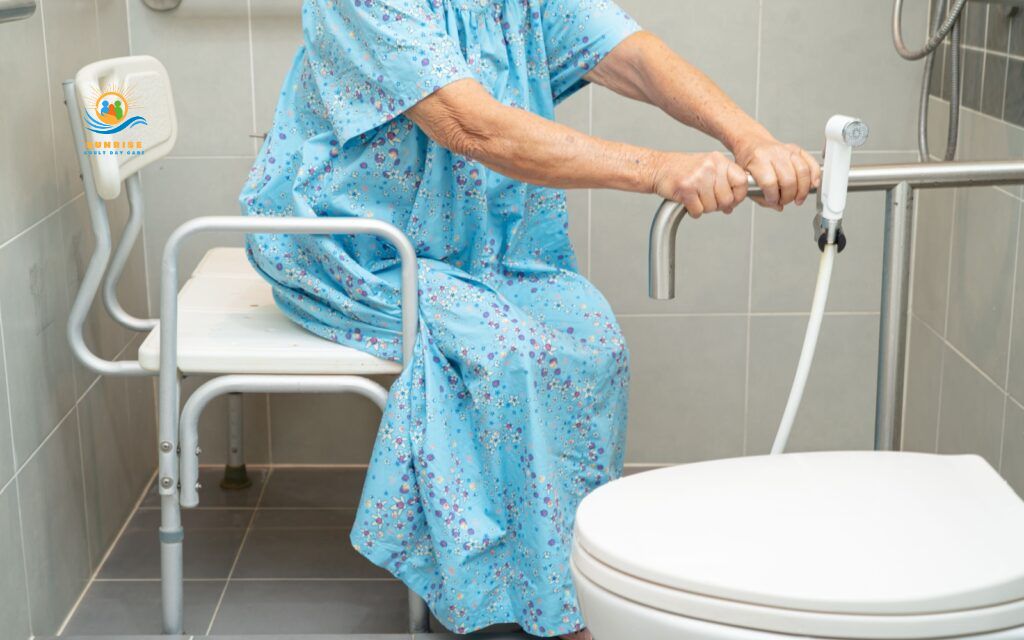
Practical, often low-cost tools including raised toilet seats, shower chairs, grab bars, non-slip mats, bed rails, jar openers, and adaptive utensils that make daily tasks safer and easier.
Bathroom safety essentials:
- Raised toilet seats (3-6 inch height boost)
- Grab bars (near toilets, in showers/tubs)
- Shower chairs or transfer benches
- Non-slip bath mats with suction cups
- Handheld showerheads
- Toilet safety frames (armrests for sitting/standing)
Bedroom modifications:
- Bed rails and assist handles
- Bed risers (easier sitting/standing)
- Bedside commodes for nighttime use
- Motion-activated night lights
- Reacher/grabber tools for dropped items
Kitchen helpers:
- Electric jar openers
- Adaptive utensils (built-up handles, angled spoons)
- Plate guards and non-slip mats
- One-touch can openers
- Lightweight cookware with ergonomic handles
- Kettle tippers (pour without lifting)
“Age in place” smart home & activity tech
Integrated smart home systems including voice assistants for controlling lights and calls, smart thermostats, doorbell cameras, GPS trackers, and tablets with brain-training or exercise apps.
Voice-controlled smart home:
- Amazon Alexa or Google Home controlling lights, temperature, music, calls
- Smart light bulbs (Philips Hue, LIFX) adjustable by voice
- Smart thermostats (Nest, Ecobee) maintaining comfortable temperatures
- Smart plugs turning lamps on/off by schedule or voice
Security and monitoring:
- Video doorbell cameras (Ring, Nest) reducing scam vulnerability
- GPS trackers in shoes, wallets, or worn as jewelry (Trackimo, PocketFinder)
- Smart smoke/CO detectors sending alerts to phones
- Water leak detectors preventing flooding damage
Engagement and wellness apps:
- Brain-training apps (Lumosity, AARP Staying Sharp)
- Guided exercise videos (YouTube channels for seniors, SilverSneakers On-Demand)
- Virtual tours and museums
- Audiobook and podcast apps
This is the category requiring the most careful conversation. A GPS tracker on someone with dementia who wanders is a safety essential. The same tracker on an independent senior “just in case” feels like surveillance.
Choose age in place technology that solves actual problems, not theoretical ones, and always involve your loved one in decisions about what monitoring they’re comfortable with.
How assistive tech fits into adult day programs & senior centers
Assistive technology for elderly adults is increasingly integrated into adult day programs and senior centers, enhancing safety, personalizing care, and improving health outcomes.
Assistive technology in daytime care settings
Medication management
Supervised medication dispensers ensure participants take prescribed medications correctly during program hours. Nurses or trained aides document doses given, identify potential side effects, and communicate concerns to families and physicians. This is especially valuable for complex regimens requiring midday doses.
Fall-alert wearables during activities
Participants wear fall-detection pendants or smartwatches during physical activities, group exercises, or bathroom visits. If a fall occurs, staff receive immediate alerts, reducing response time and injury severity. Data from these devices also helps identify participants with increasing fall risk who may need mobility aid adjustments.
Tablets for engagement and connection
Brain-training games: Cognitive activities through apps like Lumosity or customized programs for dementia patients
Exercise videos: Guided chair yoga, strength training, or tai chi when live classes aren’t available
Family video calls: Participants connect with loved ones during the day, especially important for those who live alone and might go days without social contact otherwise
Music therapy: Personalized playlists addressing specific therapeutic goals
Health monitoring stations
Blood pressure checks, weight monitoring, blood glucose testing (for diabetic participants), and oxygen saturation screening happen regularly. Results sync to electronic health records and are shared with participants’ primary care providers, creating a comprehensive picture of health trends between medical appointments.
Benefits for participants and families
- Better documentation: Assistive technology creates data trails showing medication adherence, vital sign trends, activity participation, and social engagement levels. This information helps families and healthcare teams make informed decisions about care plans and track response to interventions.
- Safer group activities: Motion sensors, fall alerts, and monitoring systems allow participants to engage in physical activities with appropriate supervision rather than restricting movement out of safety concerns. This supports mobility maintenance and social connection without unacceptable risk.
- More personalized care plans: Data from health monitoring devices, wearables tracking sleep and activity, and cognitive assessment tools inform individualized care strategies.
- Caregiver coordination: Video calls between adult day staff and family members throughout the day improve communication about health changes, medication questions, or behavioral concerns. Remote consultations with physical therapists, dietitians, or social workers happen without participant transportation burden.
Conclusion
The right assistive technology for older people means safer days, more independence, and significantly less stress for families and care teams.
It’s not about turning a home into a hospital or making someone feel monitored every moment, it’s about addressing real risks with proportionate solutions that preserve dignity and autonomy.
Your next steps:
Identify the top 2-3 safety concerns: Is it fall risk? Medication management? Nighttime confusion? Wandering? Social isolation? Target your initial technology investments to these specific issues rather than trying to address every possible scenario at once.
Build a practical starter kit from our top 10 categories:
- Fall-alert system (pendant or smartwatch)
- Medication reminder (app or automated dispenser)
- Bathroom safety equipment (grab bars, raised toilet seat, shower chair)
- Motion-activated night lights
- Emergency contact list (posted visibly near phones)
Talk with your care team about coverage and best choices: Bring this article to your next doctor’s appointment. Ask which items might qualify as DME, request prescriptions for Medicare-covered equipment, and discuss whether an occupational therapy home assessment would help identify the most impactful modifications for your specific situation.
Consider how adult day programs fit the picture: Assistive technology supports the hours at home; structured programs like Sunrise Adult Daycare provide daytime supervision, social engagement, health monitoring, and activities that technology simply cannot replicate.
Frequently asked questions (FAQs)
What’s the difference between assistive devices and medical equipment?
Assistive devices help with daily tasks and independence (jar openers, grab bars, medication reminders), while durable medical equipment (DME) is prescribed by physicians for specific medical conditions and may be covered by Medicare (wheelchairs, hospital beds, oxygen equipment). Always ask your doctor if a recommended item qualifies as DME before purchasing, as this affects insurance coverage.
What are the best first devices if my parents are still fairly independent?
Start with bathroom grab bars, a fall-alert pendant, improved lighting for nighttime, and a medication reminder system. These four address the leading causes of senior emergency room visits without feeling intrusive or suggesting loss of independence.
How do I pick tech for a senior who “isn’t good with gadgets”?
Choose single-purpose devices with one large button rather than apps requiring smartphone navigation. Test one device at a time and accept that some technology won’t work for some people, and that’s okay.
Are smartwatches and fall-detection apps reliable enough to trust?
They’re helpful additions with roughly 90% accuracy, but not perfect – false negatives and false positives both occur. Use them as backup systems alongside traditional methods like cleared pathways, proper lighting, and mobility aids; for high-fall-risk individuals living alone, traditional medical alert systems with 24/7 monitoring provide more reliable response.
Who teaches older adults to use these devices?
Occupational therapists, device manufacturers’ support lines, Area Agencies on Aging, libraries, and adult day programs all offer technology training. In Denver, Denver Public Library branches offer free one-on-one tech help appointments, and the City of Denver’s Adaptive Recreation services provide assistive technology consultations.
How often should we review or upgrade assistive technology?
Reassess every 6-12 months or after any health change such as hospitalization, falls, new diagnosis, or cognitive decline. Work with your primary care doctor or physical therapist for regular equipment assessments, especially after Medicare-covered annual wellness visits.